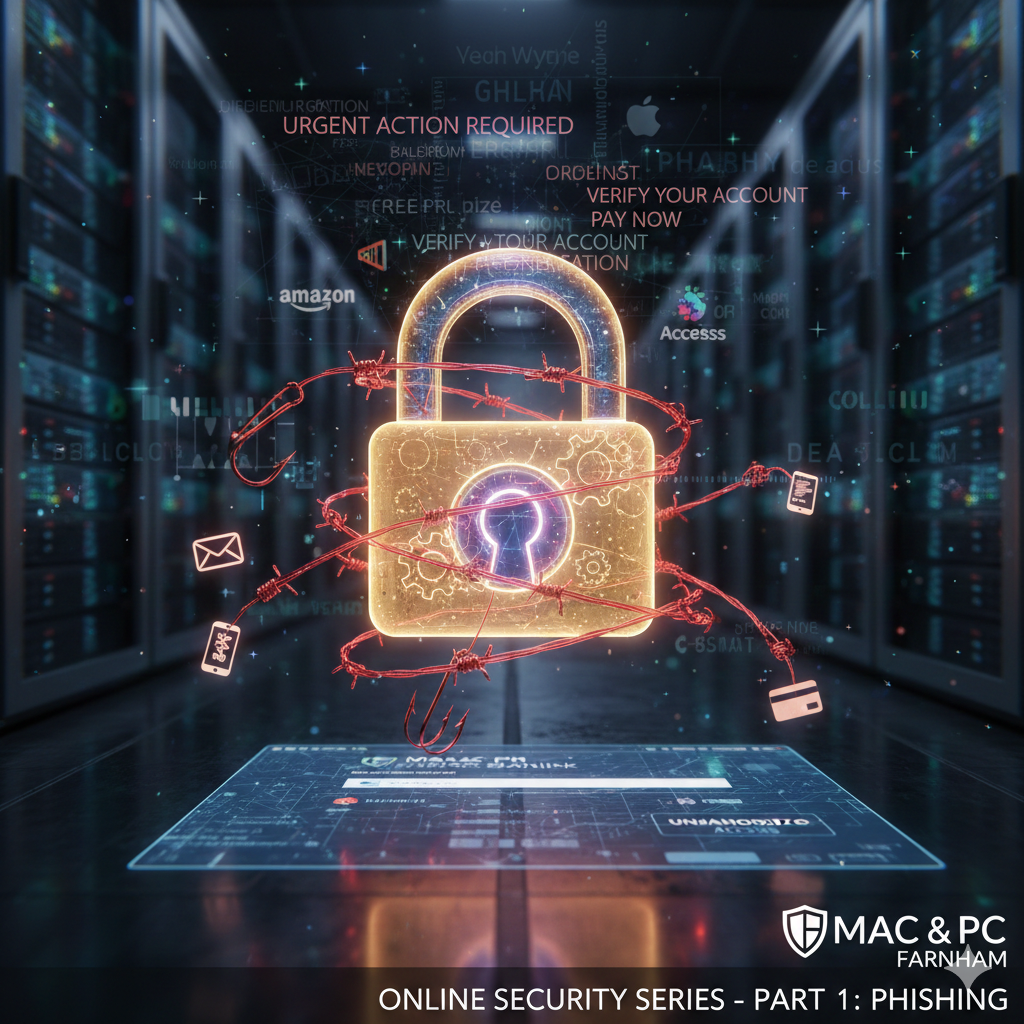
SECURITY SERIES - PART 1 OF 5
Phishing: The Digital Con Artist
Published: February 2026 | Reading Time: 8 minutes
Series: Online Security for Everyday Users | Author: Sean Kevin Wyndham-Quin, Mac & PC Farnham
Did You Know?
83% of UK adults received a phishing attempt in 2025
£1.2 billion lost to phishing scams in the UK last year
1 in 5 people clicked on a phishing link
Welcome to Our Security Series
Over the next five weeks, we'll be exploring the most common online threats facing everyday users in 2026. Whether you're shopping online, checking email, or scrolling through social media, understanding these threats is your first line of defense.
Today, we're tackling the most common and successful type of cyber attack: phishing.
⚠️ Why This Matters: Phishing is responsible for 90% of data breaches and costs UK victims an average of £1,200 each. The good news? It's completely preventable once you know what to look for.
What is Phishing?
Phishing is when criminals impersonate legitimate organizations—like banks, delivery services, or government agencies—to steal your personal information, passwords, or money.
The name comes from "fishing" because attackers cast out fake emails like bait, hoping you'll bite. And just like fishing, they use different techniques depending on what they're trying to catch.
How Criminals Make Phishing Look Real
Modern phishing attacks are sophisticated. Criminals invest time making their scams look legitimate:
- Cloned websites that look identical to real ones (down to the logo and colors)
- Spoofed email addresses that appear to come from trusted sources
- Stolen branding and official-looking templates
- Personal information gathered from data breaches or social media
- Urgent language designed to make you panic and act without thinking
Types of Phishing Attacks
1. Email Phishing (Traditional but Still Effective)
Mass emails sent to thousands of people, hoping someone will fall for the scam.
Example Email Subject: "Your Amazon account has been locked"
Email Body:
"Dear Customer,
We detected unusual activity on your Amazon account. For your security, we have temporarily suspended your account.
Click here to verify your identity and restore access: [malicious link]
Failure to verify within 24 hours will result in permanent account closure.
Amazon Security Team"
💡 What Makes This Convincing: Uses Amazon's branding, creates urgency (24-hour deadline), threatens consequences (permanent closure), and uses generic greeting typical of bulk emails.
2. Spear Phishing (Targeted and Personal)
Unlike mass email phishing, spear phishing targets specific individuals with personalized information to appear more legitimate.
Example Email:
"Hi Sarah,
Following up on our meeting last Thursday about the Q4 budget. I've attached the revised spreadsheet you requested.
Let me know if you need any changes before Friday's presentation.
Best regards,
James from Finance"
[Attachment: Q4_Budget_Revised.xlsx] ← Contains malware
⚠️ Why This Is Dangerous: The attacker knows your name, references a real meeting, mentions a colleague, and creates a plausible scenario. This type of attack has an 80% success rate in corporate environments.
3. Smishing (SMS/Text Message Phishing)
Phishing via text messages, often exploiting our tendency to trust SMS more than email.
Example Text Message:
"Royal Mail: Your parcel is awaiting delivery. Pay £2.99 customs fee to proceed: royalmail-redelivery[.]co.uk/track/GB1234567"
What happens when you click:
- You're taken to a fake Royal Mail website (looks completely real)
- You enter your card details to pay the "fee"
- Criminals now have your card number, CVV, and billing address
- They use this to make fraudulent purchases or sell your details on the dark web
📱 Common Smishing Scenarios:
- Parcel delivery notifications (Royal Mail, DHL, Amazon)
- Bank security alerts ("Unusual activity detected")
- HMRC tax refunds or demands
- COVID-19 related scams (testing, vaccines, fines)
- Utility company bill payments
4. Vishing (Voice/Phone Phishing)
Phone calls from scammers pretending to be from legitimate organizations.
Typical Vishing Scenario:
Phone rings. Caller ID shows "Microsoft Support" or local number.
"Hello, this is David from Microsoft Security. We've detected a virus on your Windows computer that's sending out spam emails. We need to remote into your system to remove it before your internet is disconnected. Can you turn on your computer for me?"
What they're really doing:
- Installing malware on your computer
- Stealing your files and passwords
- Accessing your online banking
- Charging you hundreds of pounds for "repairs"
⚠️ Critical Fact: Microsoft, Apple, Google, and other tech companies will NEVER cold-call you about computer problems. If you receive such a call, it's 100% a scam. Hang up immediately.
5. Whaling (Executive Phishing)
High-value targets like CEOs, CFOs, and company directors. These attacks are extremely sophisticated and well-researched.
Example "CEO Fraud":
Email to Finance Director from: ceo@company-name[.]co.uk (note the subtle difference)
"I'm in a meeting with potential investors and need to transfer £50,000 urgently for a time-sensitive acquisition. Please wire to the following account immediately. This is confidential—don't discuss with anyone until I announce it Monday.
Account details: [criminal's bank account]"
Why this works: Creates urgency, invokes authority, demands secrecy, and targets someone authorized to transfer money.
Red Flags: How to Spot Phishing
- Generic greetings: "Dear Customer" instead of your name (legitimate companies usually personalize)
- Spelling and grammar errors: Professional companies proofread their communications
- Suspicious email addresses: support@amaz0n.com or billing@paypal-secure.net
- Mismatched URLs: Link text says "apple.com" but hovering shows "appl3.suspicious-site.ru"
- Urgent threats: "Act within 24 hours or lose access forever!"
- Requests for sensitive information: Banks never ask for your PIN or full password
- Too good to be true offers: "You've won £10,000! Click to claim!"
- Unexpected attachments: Especially from unknown senders
- Unusual requests: Your boss asking you to buy gift cards via email
- Pressure tactics: "Your account will be deleted" or "Legal action will be taken"
How to Check if an Email is Legitimate
1. Examine the Sender's Email Address
Legitimate: support@amazon.co.uk
Phishing: support@amazon-security.co.uk
Phishing: noreply@amaz0n.com
Phishing: amazon@secure-login.net
How to check: Click on the sender's name to reveal the full email address. Look for subtle misspellings or extra words.
2. Hover Over Links (Don't Click!)
On desktop, hover your mouse over any link to see where it really goes. The displayed text might say "amazon.co.uk" but the actual URL could be completely different.
Link text shows: www.lloydsbank.co.uk
Actual URL (when hovering): www.lloydsbank-secure.com/login.php
3. Check for HTTPS and Padlock Icon
Legitimate banking and shopping sites always use HTTPS (the "s" means secure). However, criminals can also get HTTPS certificates, so this alone doesn't prove legitimacy—but the absence of HTTPS is definitely suspicious.
4. Look for Personalization
Real companies usually address you by name because they have your details in their system. Generic greetings like "Dear Valued Customer" are red flags.
5. Verify Through Official Channels
If you receive a suspicious message claiming to be from your bank, don't use any contact information from the email. Instead:
- Go to the bank's official website (type the URL yourself)
- Call the number on the back of your card
- Visit your local branch
What to Do If You Think You've Been Phished
If you clicked a link or entered information:
- Don't panic – Quick action can minimize damage
- Disconnect from the internet immediately
- Run a full antivirus scan
- Change passwords from a different device (phone or another computer)
- Contact your bank if you entered financial information
- Enable fraud alerts on your credit report
- Report to Action Fraud: 0300 123 2040
- Monitor accounts closely for suspicious activity
How to Protect Yourself: Essential Defenses
- Think before you click: Take 10 seconds to evaluate every email, text, or call before responding
- Enable two-factor authentication: Even if criminals get your password, they can't access your account without the second factor
- Use a password manager: Tools like Bitwarden or 1Password generate strong, unique passwords and won't autofill on fake websites
- Keep software updated: Updates patch security vulnerabilities that phishers exploit
- Install browser security extensions: Tools like uBlock Origin block malicious websites
- Verify independently: If someone requests money or information, verify through a separate, trusted channel
- Use email filtering: Gmail, Outlook, and others have built-in phishing detection—don't disable it
- Educate everyone in your household: Elderly relatives and children are often targeted
- Report phishing attempts: Forward suspicious emails to report@phishing.gov.uk
- Trust your instincts: If something feels off, it probably is
Quick Reference: Real vs. Fake
| Legitimate Companies |
Phishing Attempts |
| Address you by name |
Use generic greetings |
| Never ask for passwords |
Request full passwords or PINs |
| Give reasonable time to respond |
Create artificial urgency |
| Use official domain names |
Use misspelled or alternative domains |
| Don't threaten account closure |
Threaten dire consequences |
| Have proper spelling/grammar |
Often contain errors |
| Never cold-call about security |
Call unexpectedly about "problems" |
Special Warning: AI-Powered Phishing
New in 2026: Criminals are now using AI to create highly convincing phishing attempts:
- Voice cloning: Deepfake audio that sounds exactly like your boss, family member, or bank representative
- Perfect grammar: AI-written emails with no spelling errors
- Personalized content: Automated research about you from social media
- Real-time adaptation: Chatbots that respond to your questions convincingly
Your best defense: Verify through a separate communication channel. If your boss emails requesting urgent payment, call them. If your "bank" calls, hang up and call the official number.
Action Plan: This Week
Complete These Steps in the Next 7 Days:
- Day 1: Check your email security settings—enable spam filters and phishing protection
- Day 2: Enable two-factor authentication on your email and banking accounts
- Day 3: Install a password manager and change your 3 most important passwords
- Day 4: Review your recent emails—practice spotting red flags
- Day 5: Educate one family member about phishing (share this article!)
- Day 6: Set up email forwarding for suspicious messages to report@phishing.gov.uk
- Day 7: Review your sent emails—check if your account has been compromised
Need Help Securing Your Devices?
At Mac & PC Farnham, we offer comprehensive security checkups for individuals and businesses. We'll help you set up proper protection and recover from phishing attacks.
Call 07769 804065
Or email: skwquin@macpcfarnham.uk
📧 Don't Miss the Next Article! Subscribe to our newsletter to receive Part 2 next week, where we'll cover malware, ransomware, and how to protect your computer from digital infections.
About the Author: Sean Kevin Wyndham-Quin has over 20 years of experience in computer repair and security. At Mac & PC Farnham, he helps local residents and businesses protect themselves from cyber threats and recover from attacks.
Share this article: Know someone who could benefit from this information? Share this article to help keep your friends and family safe online.
Tags: phishing, email scams, online security, cybersecurity, smishing, vishing, identity theft prevention, internet safety, UK cybercrime, computer security Farnham